
Front desk
Appointments & patient queues
Book visits, manage walk-ins and show patients when it is their turn.
See how it worksHOSVI · Intelligent Healthcare
AI-enhanced. Cloud-powered. Designed around care. Simplify hospital operations, connect personal health records and support women’s health through one modern platform.
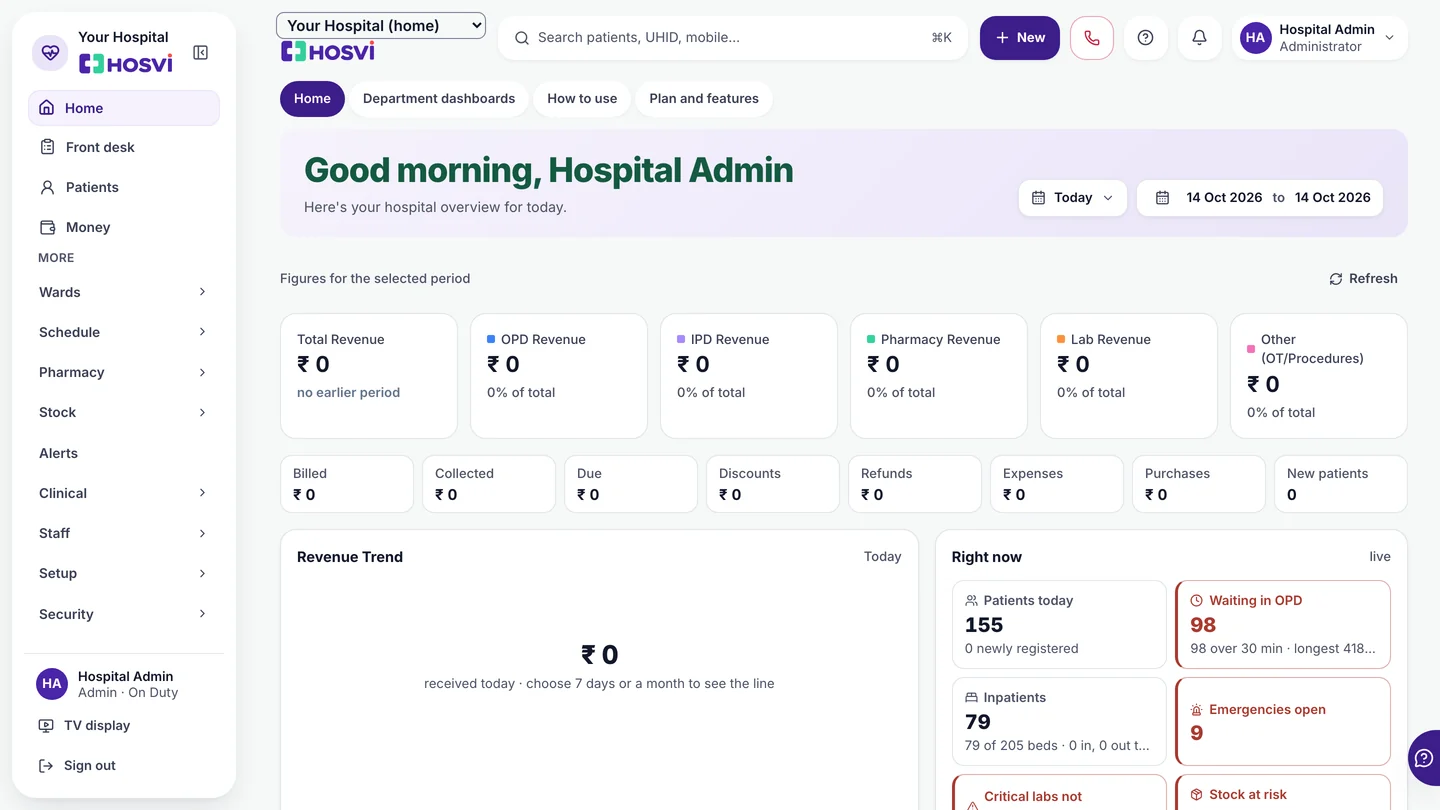
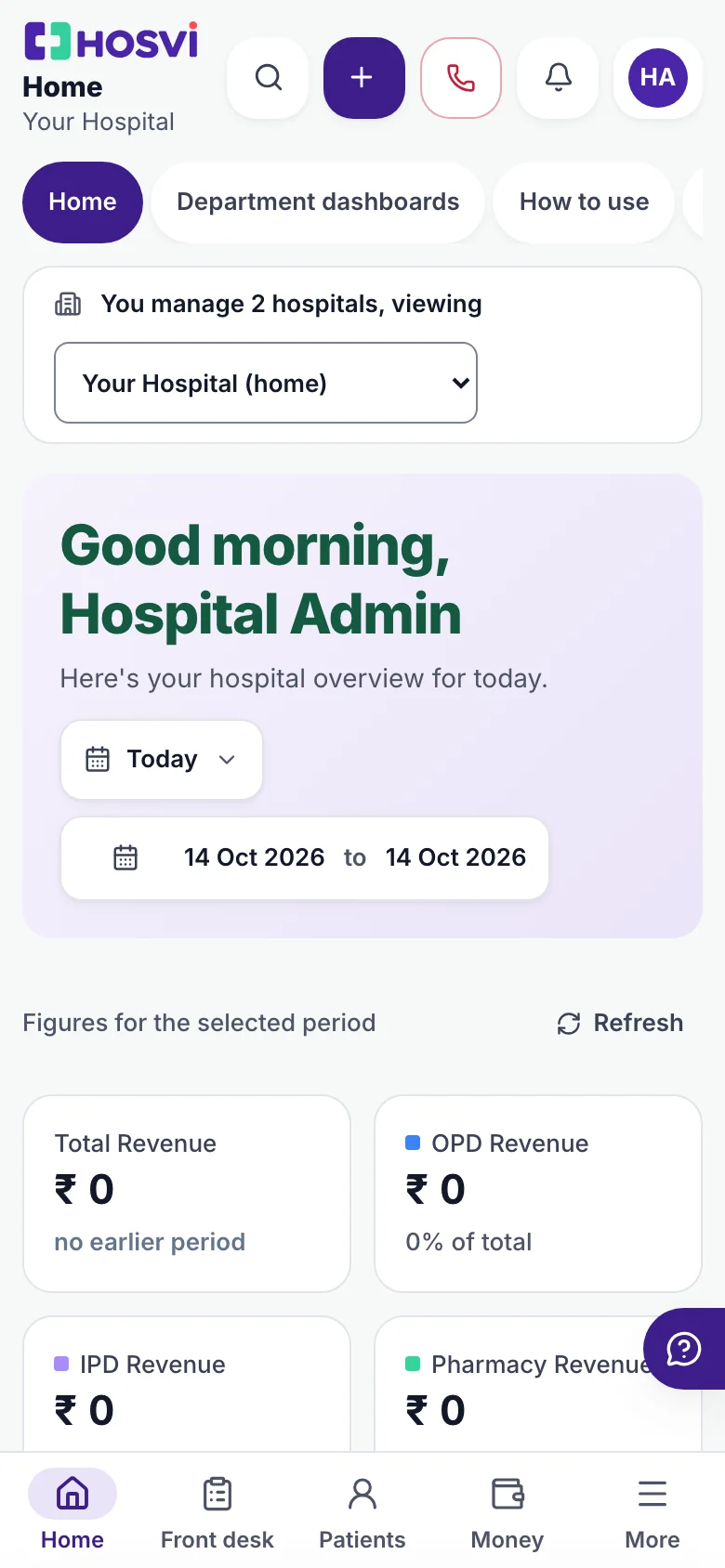
One platform, three experiences
Loading preview
Loading preview
Sample data.
Dashboard · 1 of 12
Our technology
Cloud access, intelligent assistance and intuitive workflows bring hospital information together. Less complexity. More clarity. Better-connected care.
Front desk
Book visits, manage walk-ins and show patients when it is their turn.
See how it worksDoctor’s workspace
See past visits, write prescriptions and find test reports in one place.
See how it worksPharmacy
Sell medicines, check available stock and track expiry dates.
See how it worksLaboratory
Track samples, review test results and share approved reports.
See how it worksHospital accounts
Create bills, record payments and see how much is still unpaid.
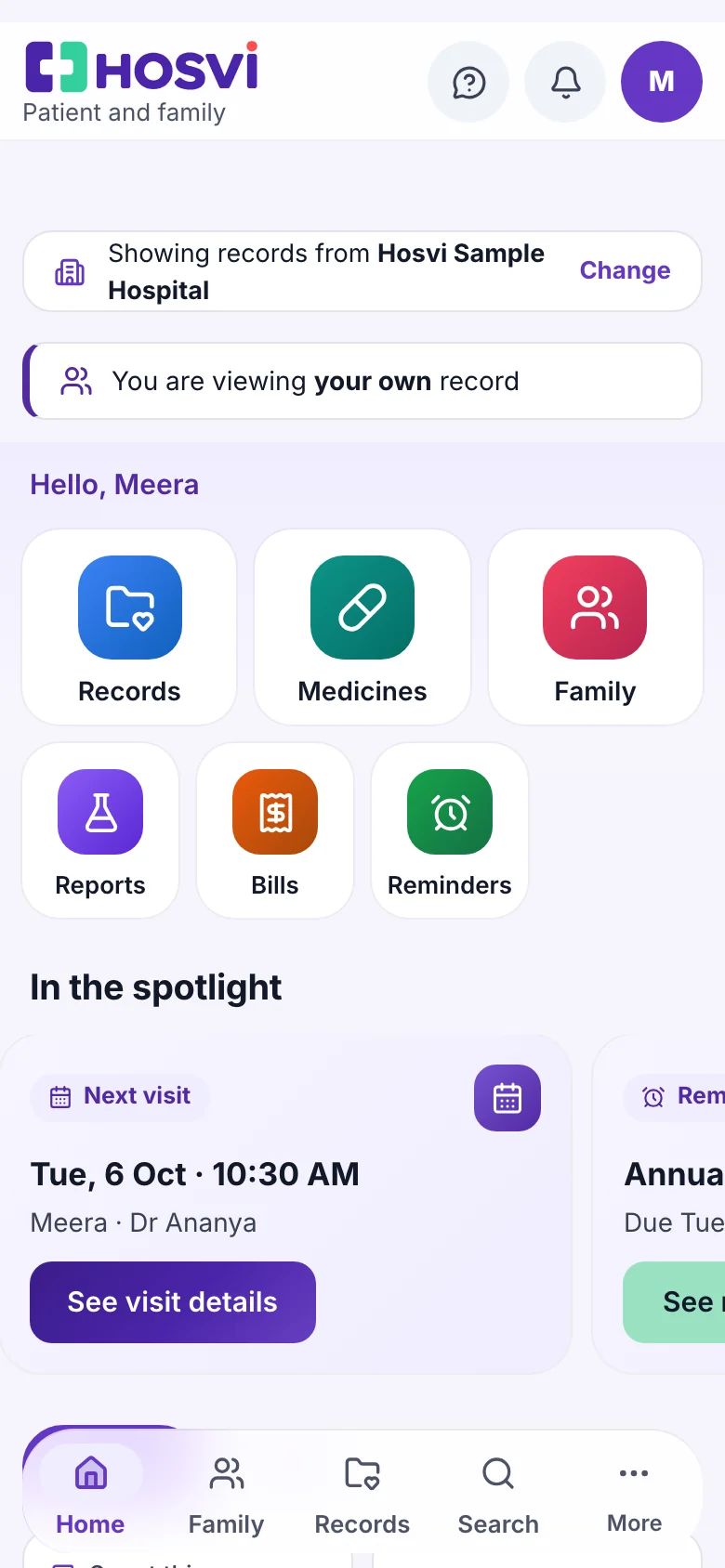
See how it worksPatient portal
Help families book visits and find their reports, medicines and bills.
See how it worksAlso explore wards, nursing, theatre, insurance and administration. View the full module catalogue
Designed around care
Thoughtful tools for personal health, family records and everyday hospital work. Track what matters and find guidance relevant to your journey.
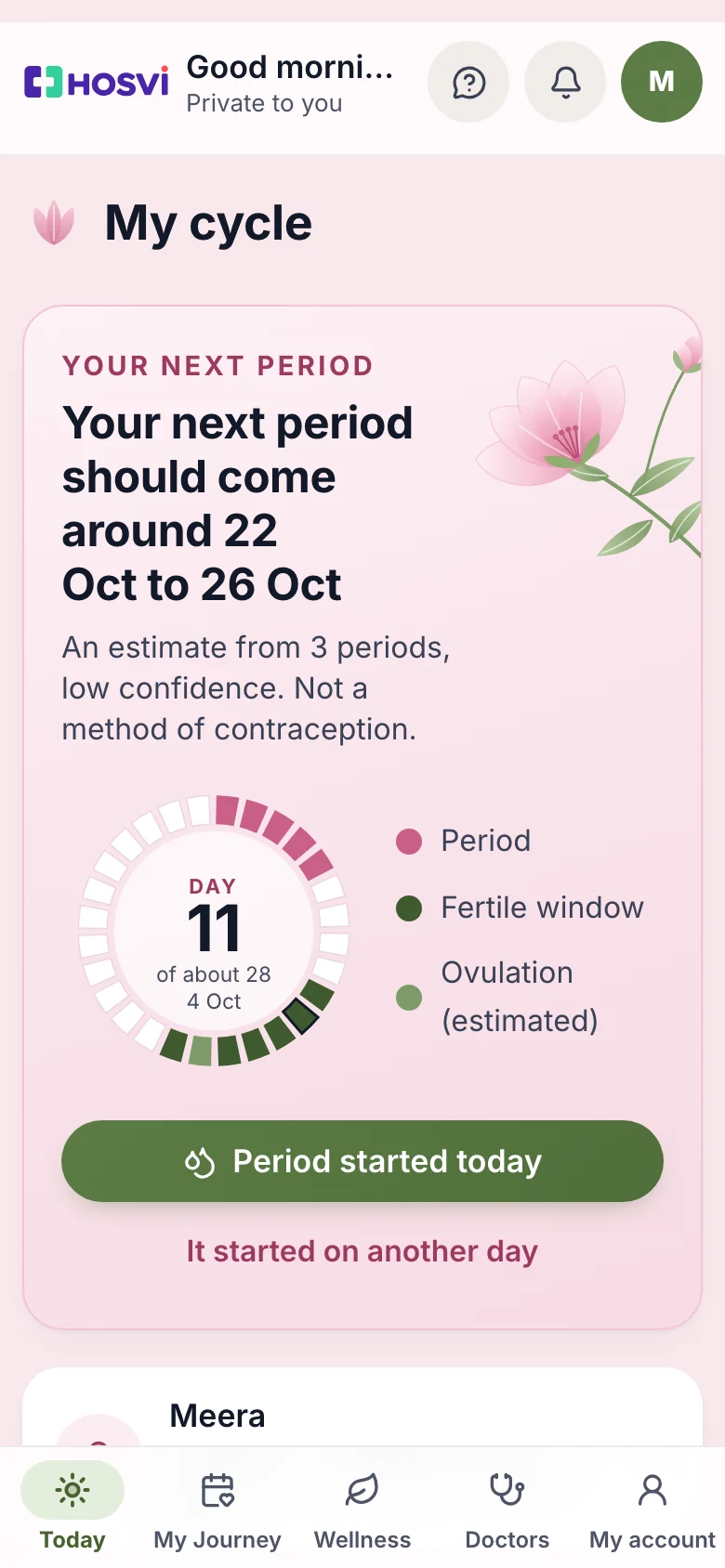
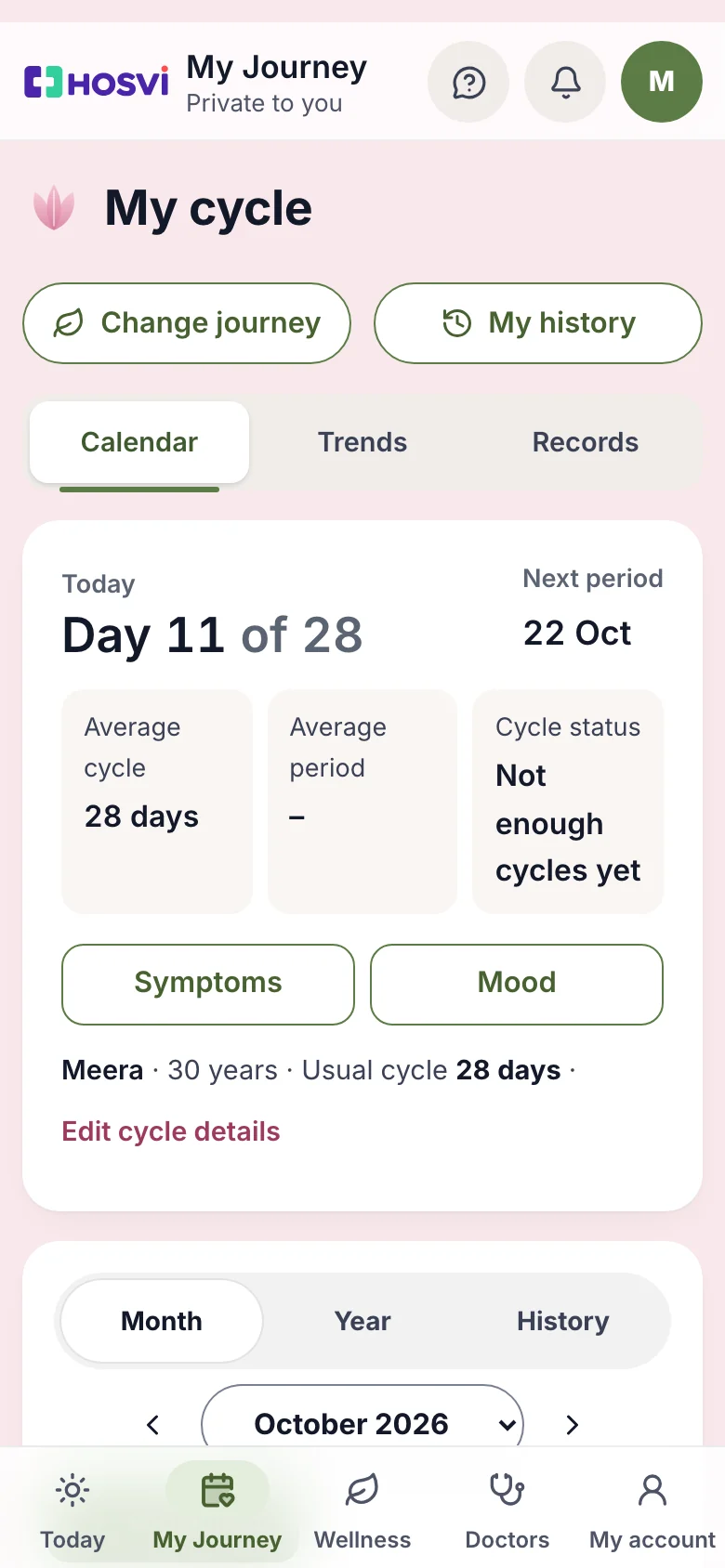
Why hospitals choose Hosvi
Your own website brings patients in, the front desk and the TV screen keep the day moving, and the owner gets the day's numbers without asking.
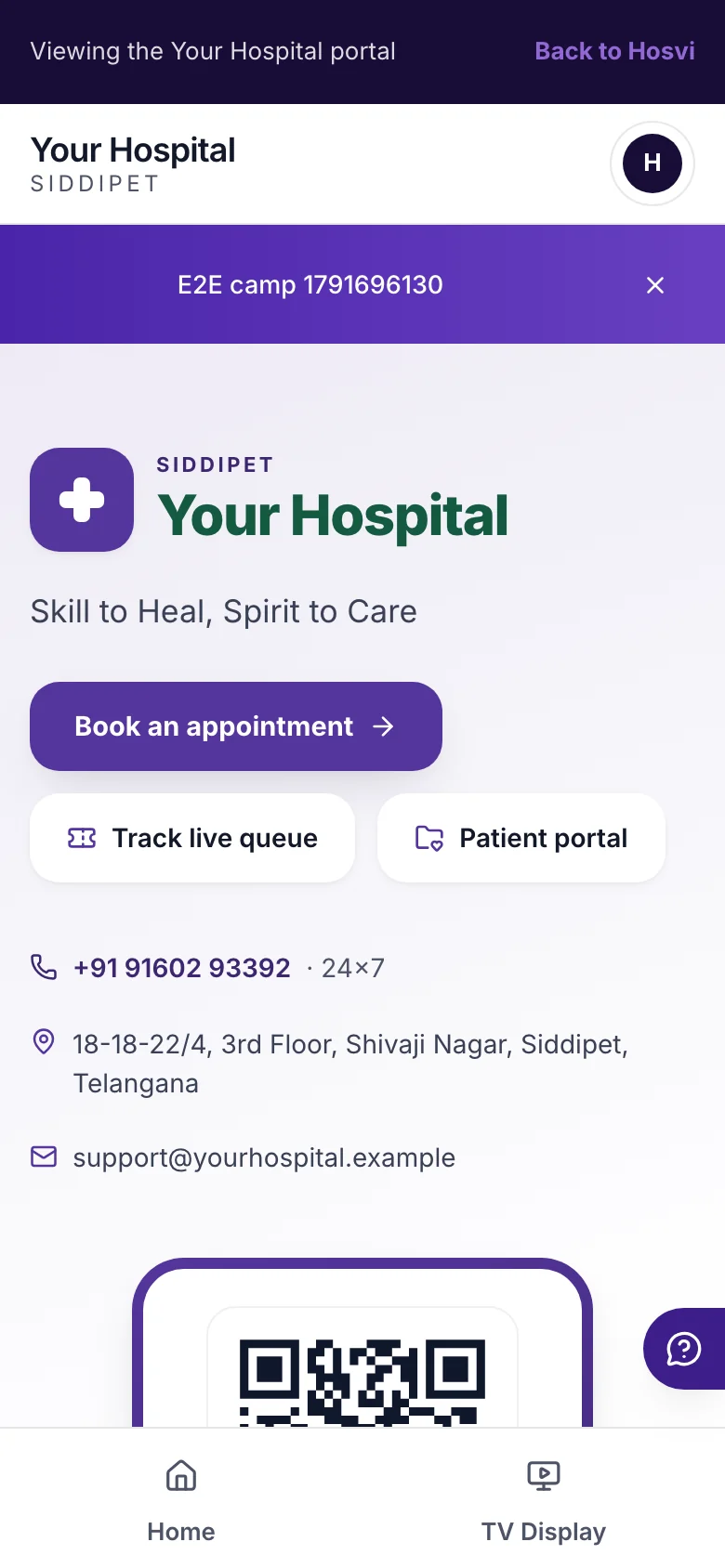
Every hospital gets its own website at yourhospital.hosvi.com, live as soon as the hospital is set up. Doctors, departments, timings and contact details come from your settings, with booking and the live queue built in.
A configurable template with your logo and colours. A separately owned domain is not included.
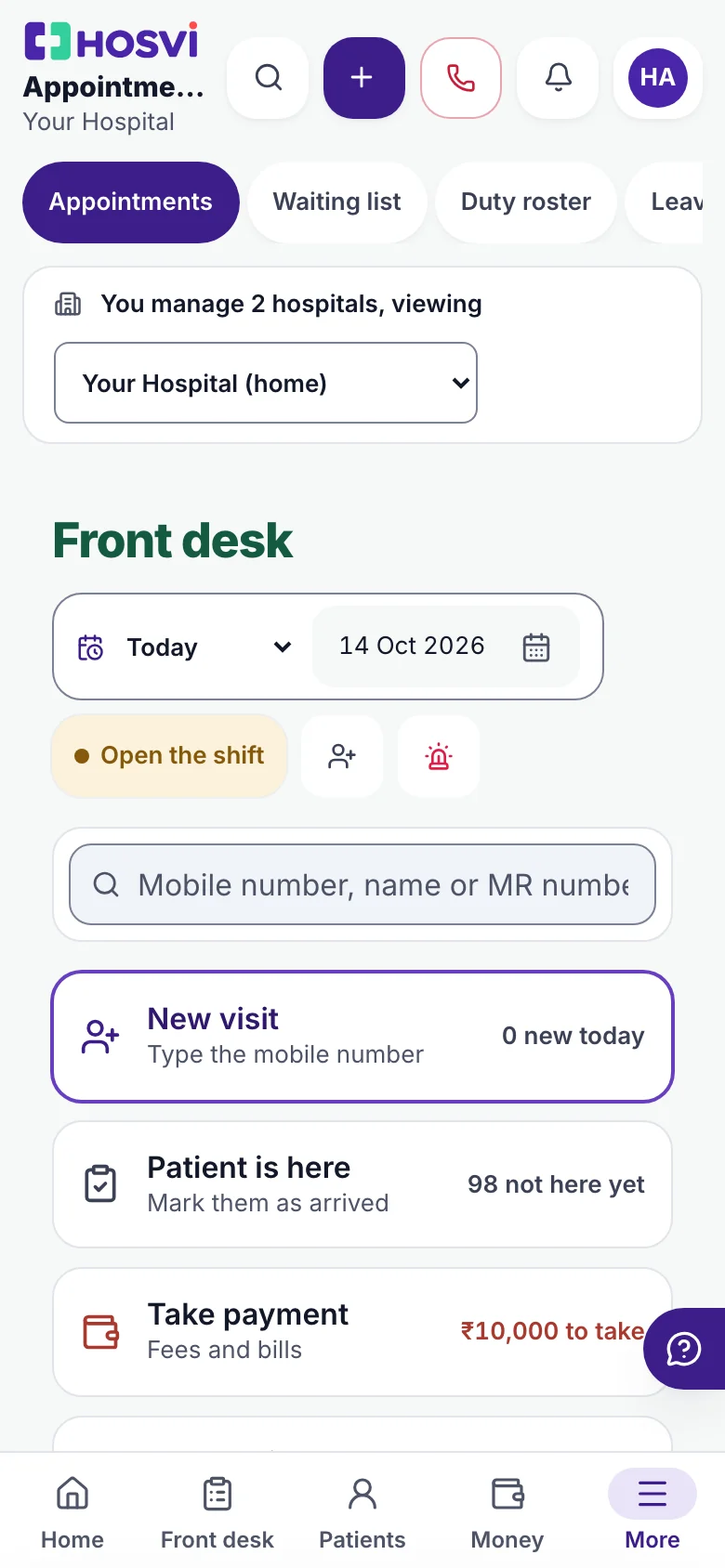
Online bookings, walk-ins and the day's queue on one front desk. Start a visit from the mobile number, mark arrivals, take the fee and send the next patient in.
You set each doctor's availability and the booking rules.
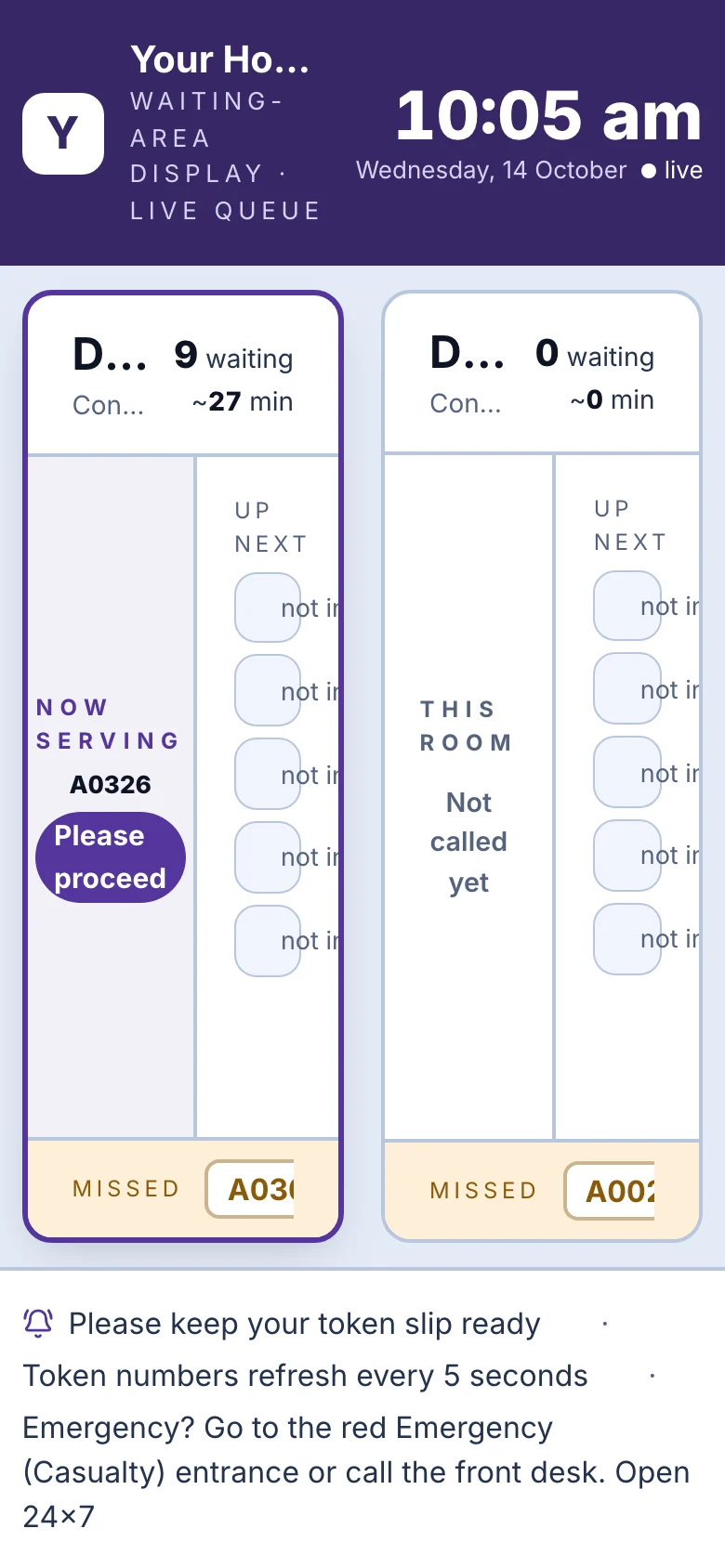
Show the token being seen and who is next for each doctor on any screen with a browser. Turn patient names off and it shows token numbers alone.
Needs a screen with a browser and a staff sign-in. Hardware is separate.
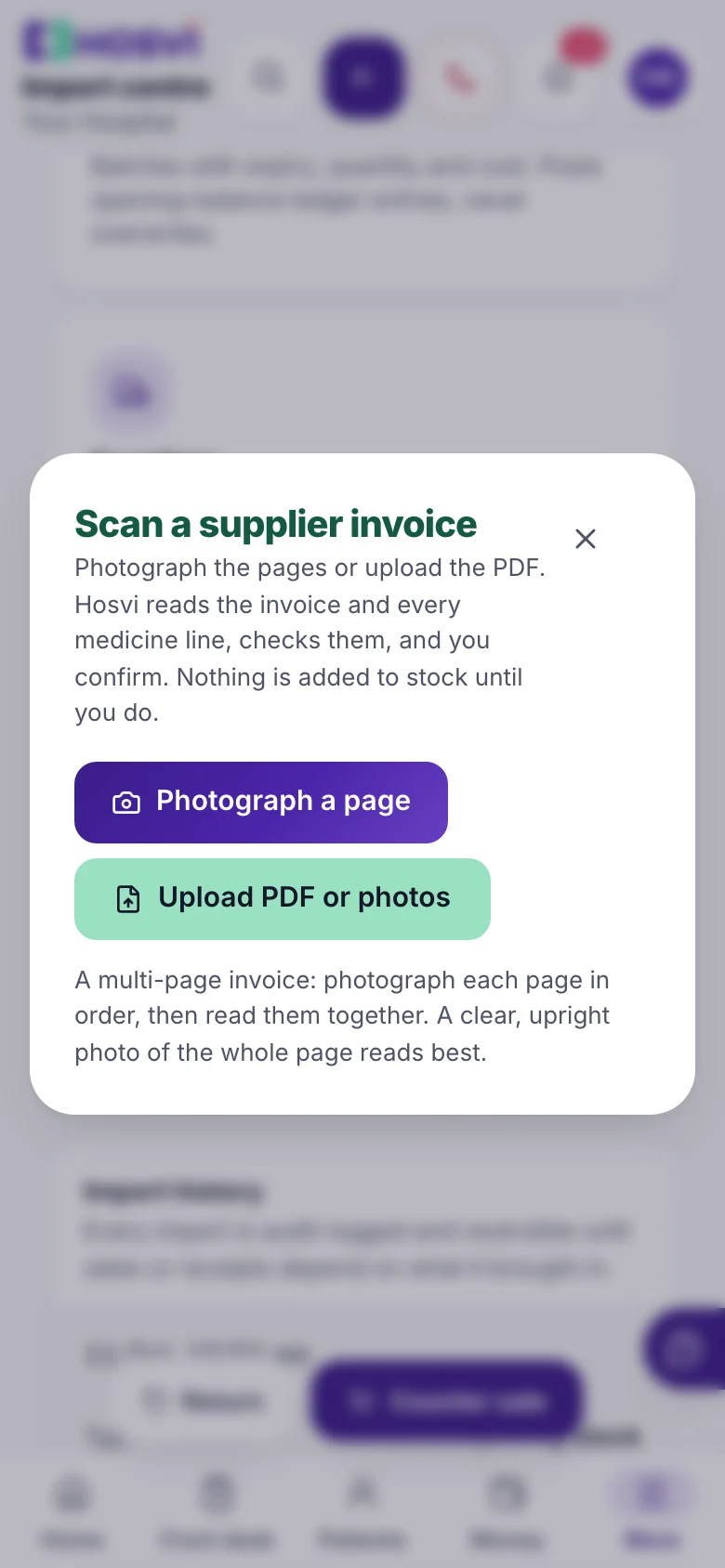
Photograph a supplier invoice with the phone camera or upload the PDF. Hosvi reads every medicine line and checks it, and nothing reaches stock until your team confirms. Expense bills and outside lab reports are read the same way.
Your team reviews every entry. Scan charges may apply.
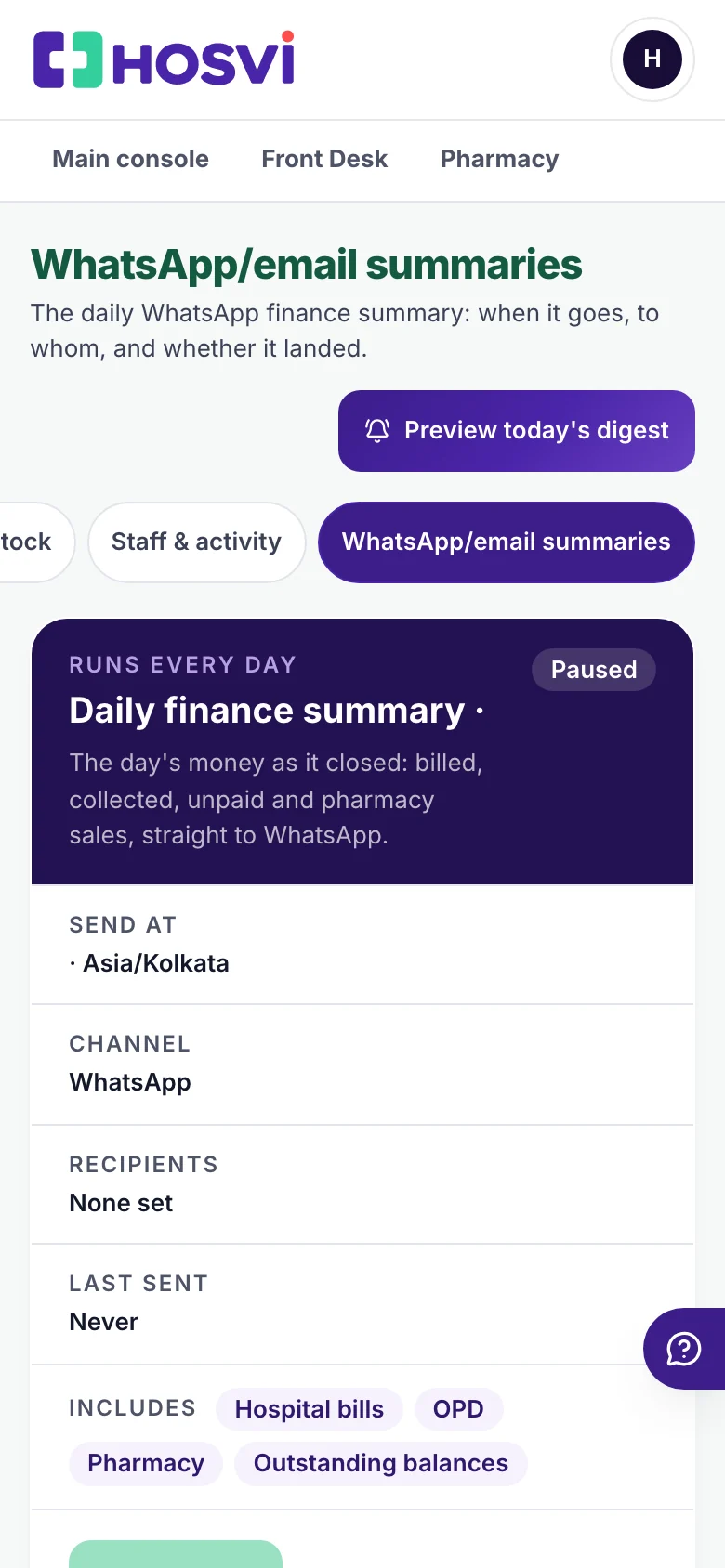
At a time you choose, the day's billing, collections, refunds and dues go to the owner or administrator on WhatsApp or email.
Delivery must be set up and switched on. Messaging charges may apply.
Captured from the product with sample data.
Women’s Health
Take one page to the doctor, and learn what is worth asking about in between.
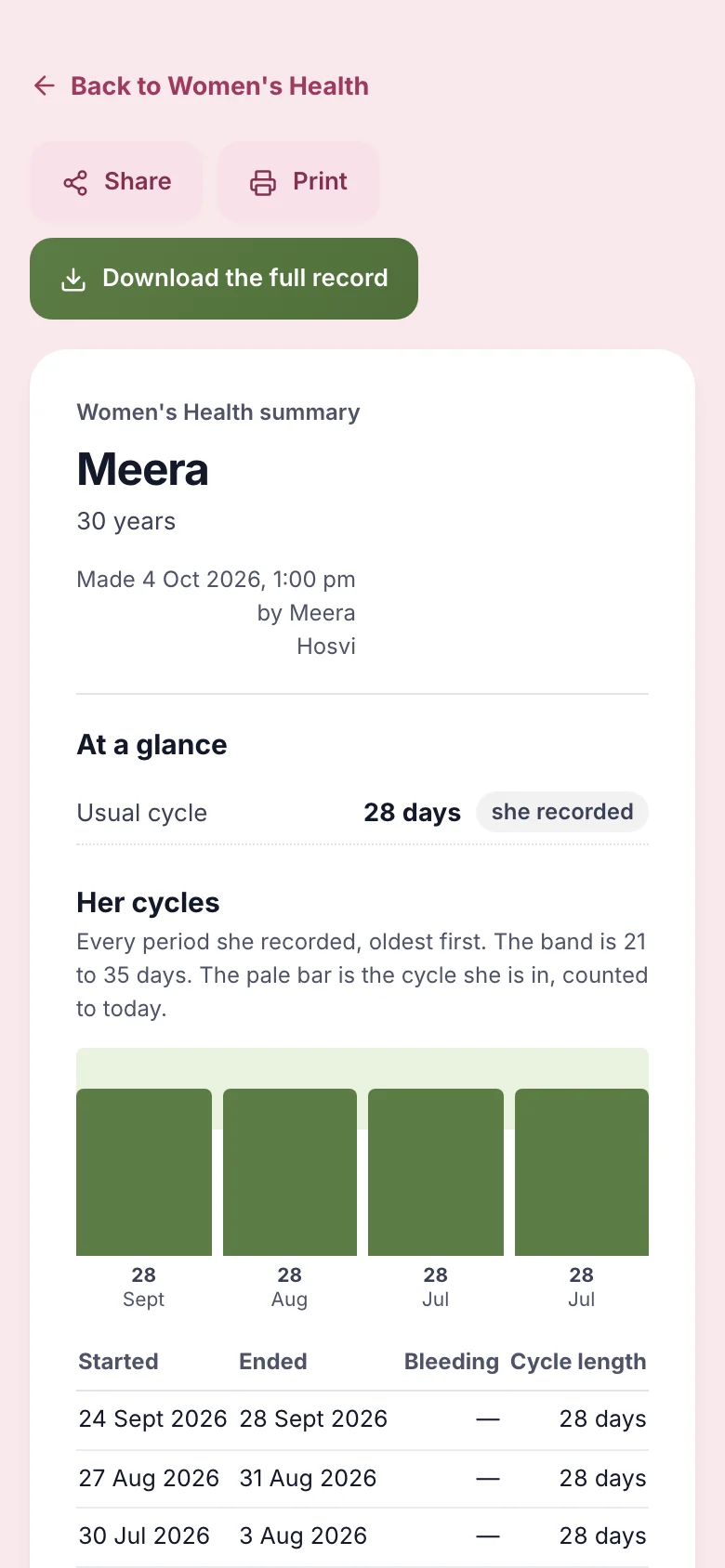
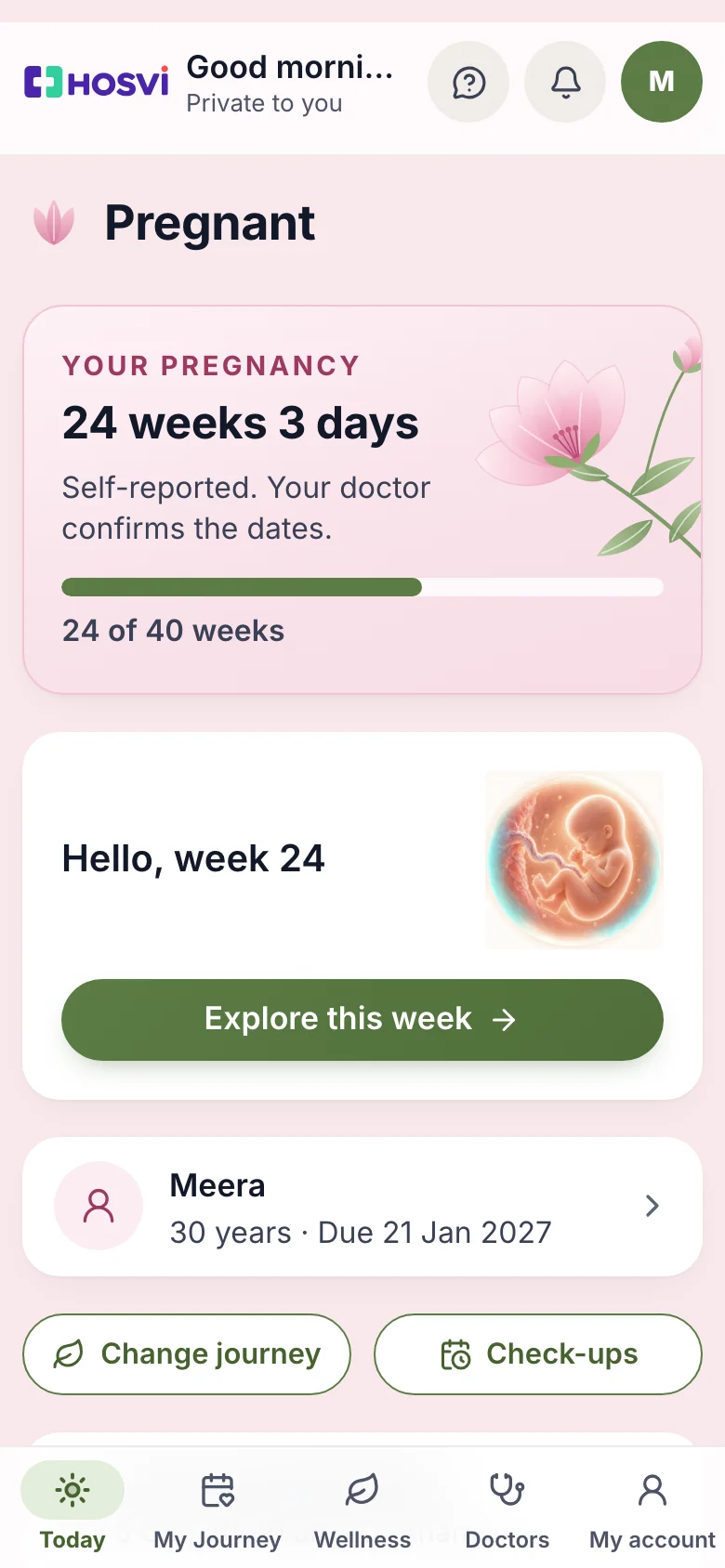
Her cycles, pregnancy dates and recent symptoms on one page, each figure marked as recorded, worked out or estimated. She can print it, or download the full record as a PDF to take or send to her doctor.
She chooses who gets it. The summary is not a diagnosis.
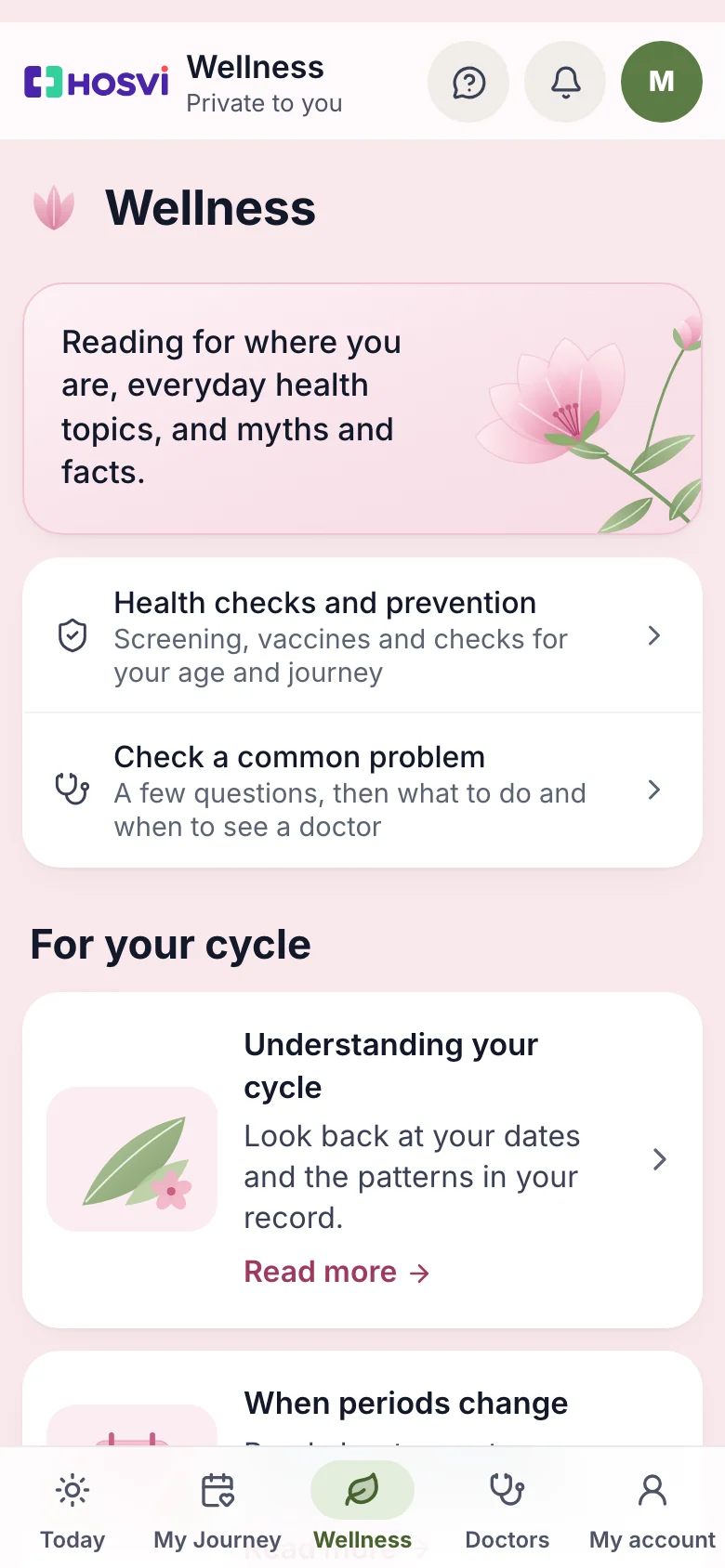
Reading for the stage she is in, health checks and prevention for her age and journey, a check for common problems that says when to see a doctor, and myths and facts.
General health information, not a substitute for a doctor.
Captured from the product with sample data.
Intelligence that makes a difference
AI assistance supports document processing, everyday administration and operational insights. Healthcare professionals stay in control of important decisions.
Find answers about supported appointments, queues and billing tasks, using the records your role can access. Follow links to the relevant screen.
Answers about supported hospital tasks. Not medical advice.
See it in a demoSee what was collected, what was refunded and what is still unpaid. Schedule a short summary by email or WhatsApp for the people who need it.
Delivery must be set up and switched on. Messaging charges may apply.
Explore hospital accountsUpload a supplier invoice photo or PDF. Review the items, quantities, tax and expiry details, with checks that highlight issues before you add stock.
Invoice intelligence helps with data entry. Your team reviews and confirms every entry. Scan charges may apply.
Explore pharmacy toolsThe freedom of the cloud
Access supported web and mobile experiences at the hospital, while managing operations remotely, or when checking family health information. One platform. Multiple devices. Access tailored to your role.
Patient & Family
Women’s Health
Built to evolve
Every hospital works differently. Choose the plan and optional services that fit your needs, with a clear view of setup requirements and usage charges.
01
Explore your essential workflows in a demo with sample data.
02
Agree your plan, optional tools, messaging, imports and any additional charges.
03
Set up role-based access, practise key tasks and complete the go-live checks.
Clear workflows help teams focus on the care and operations they support.
Find your specialtyCompare plan inclusions, optional add-ons and usage charges before deciding.
Compare plansHOSVI prioritises responsive interfaces, streamlined navigation and efficient processing. Discuss your rollout and support needs.
Talk through your setupYour trust is essential. Identity verification, controlled permissions, organisational data boundaries and accountable access guide the design. Explore the controls and deployment details relevant to your hospital.
Discover how intelligent workflows and cloud technology can simplify everyday work. Experience HOSVI — Hospital Vitals, Connected.


